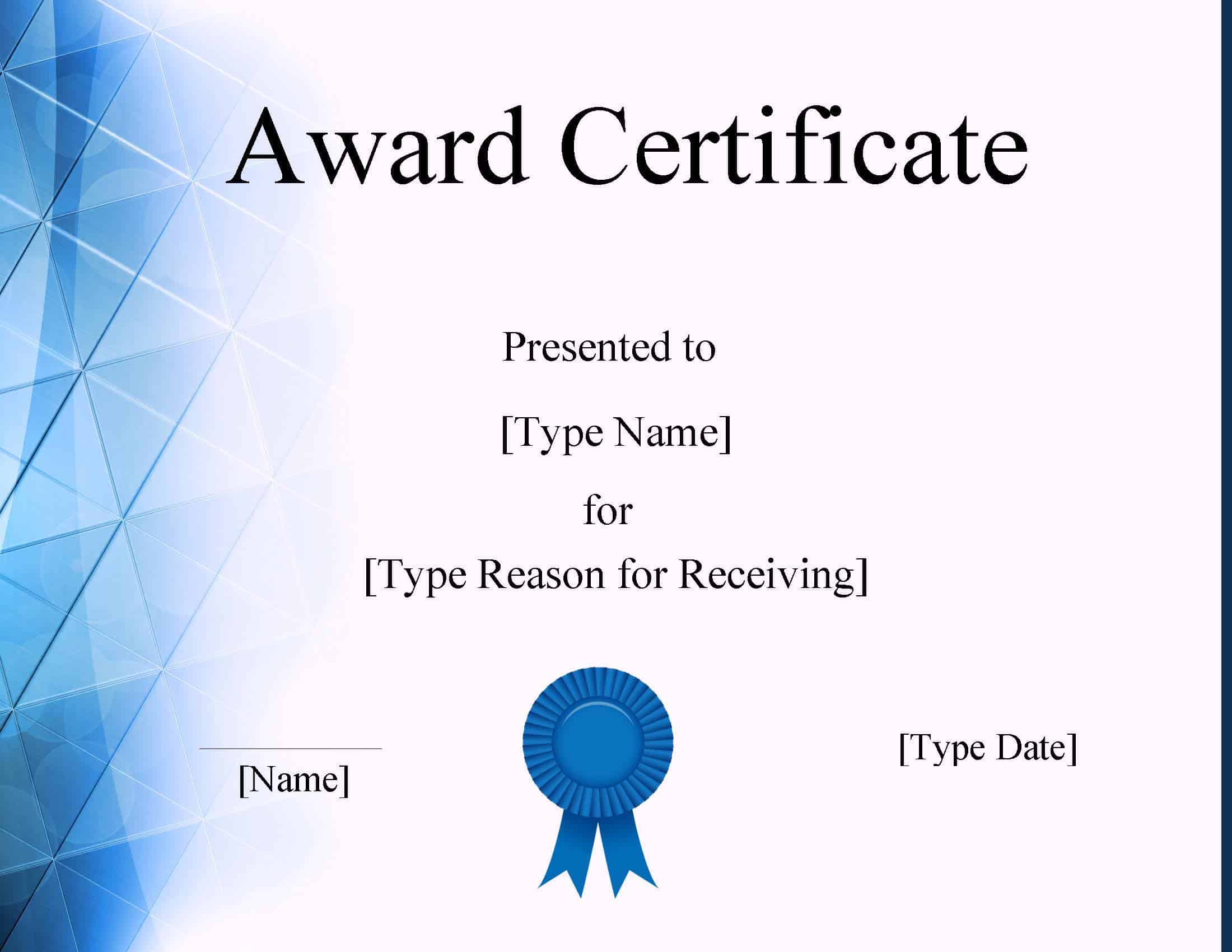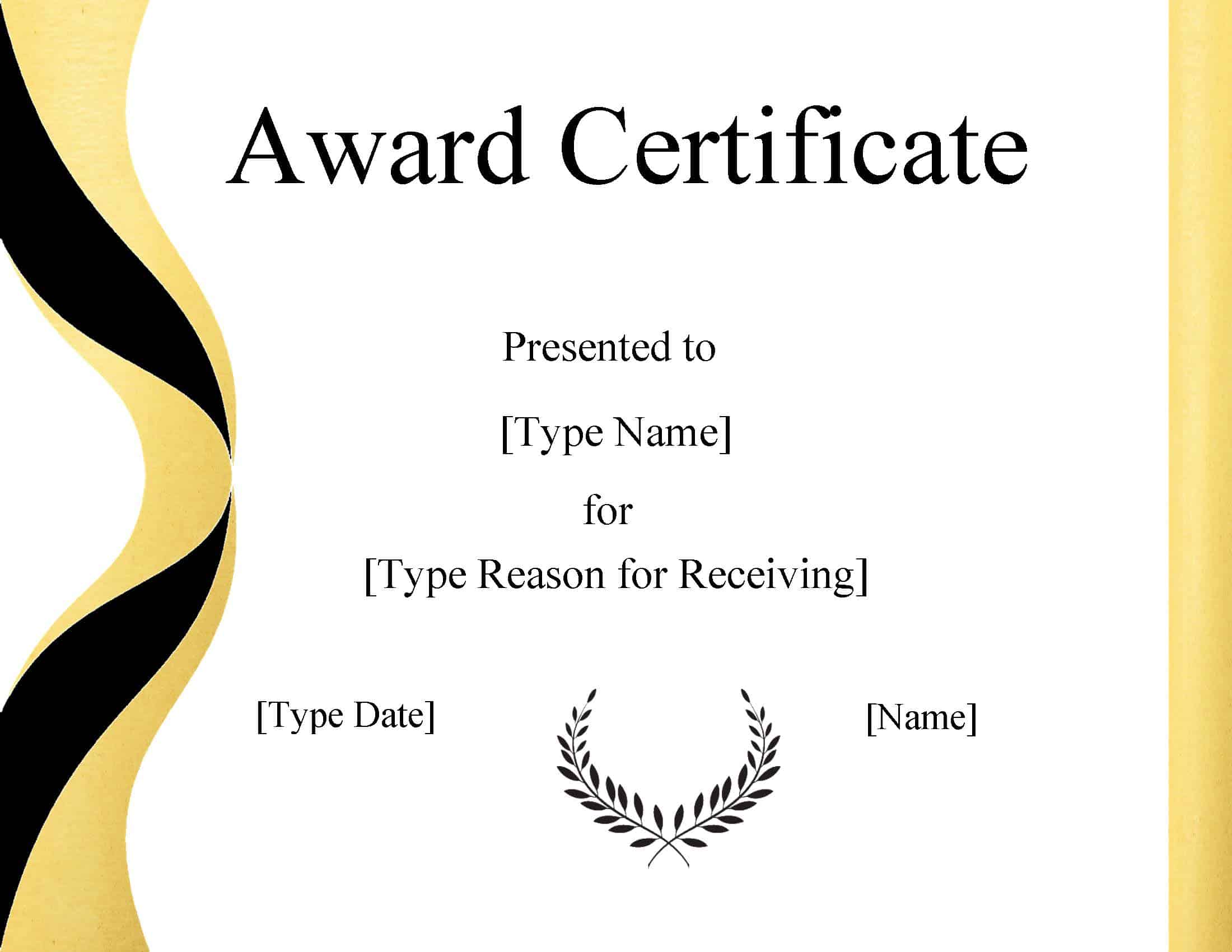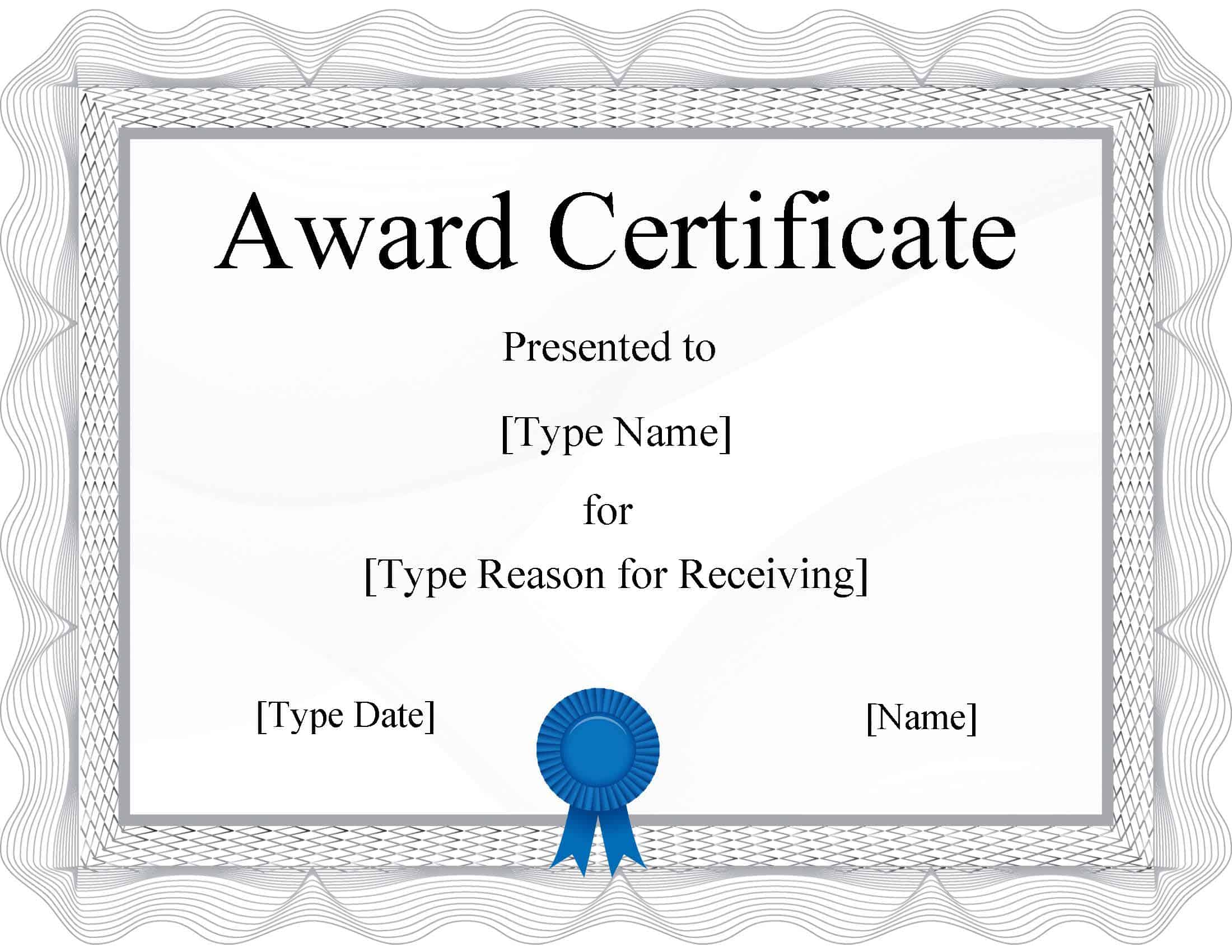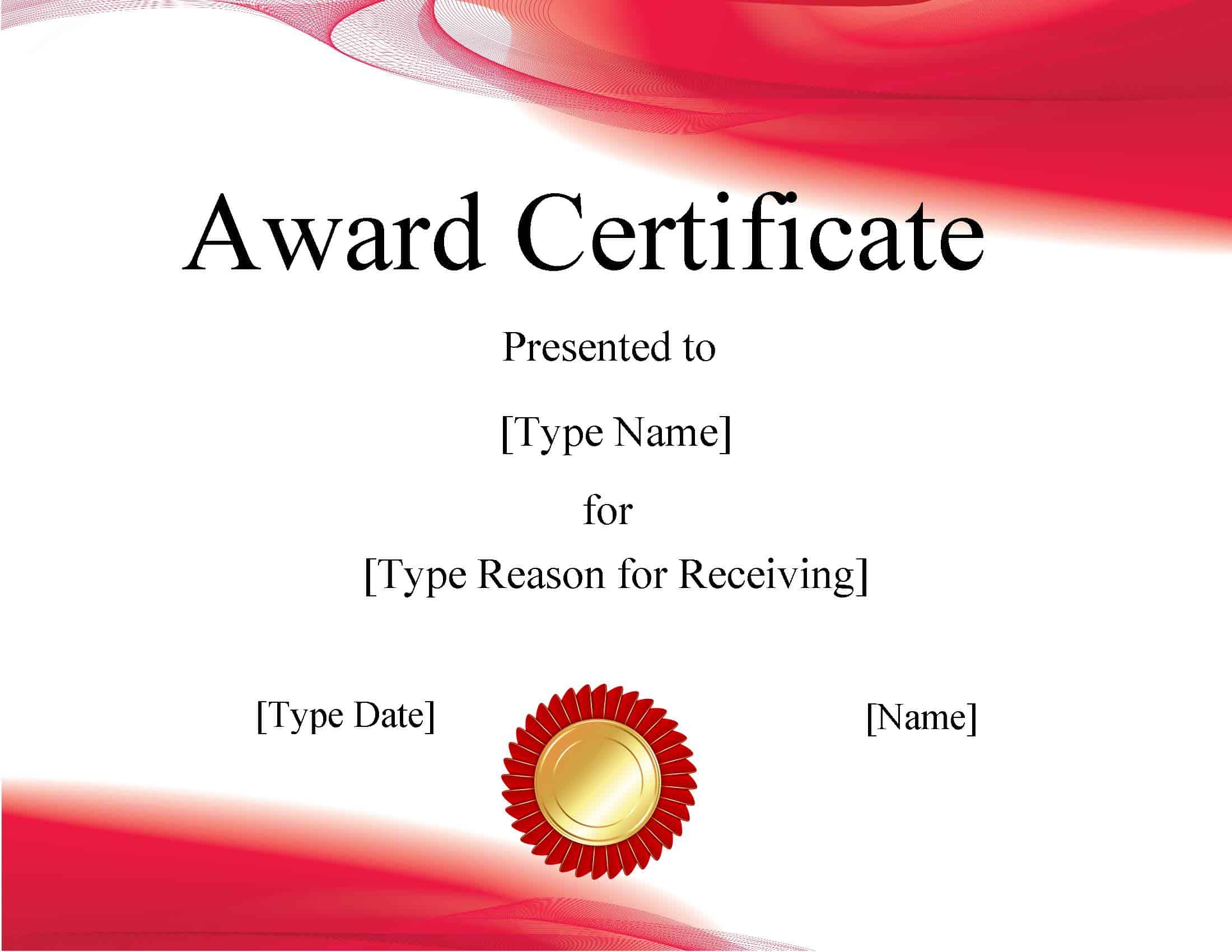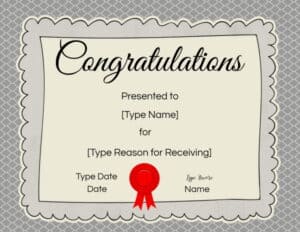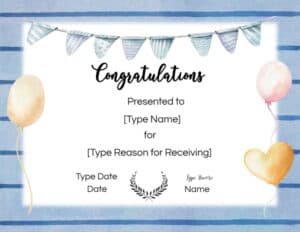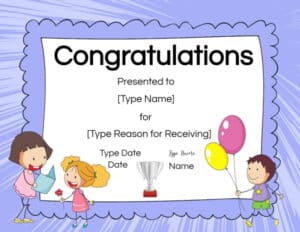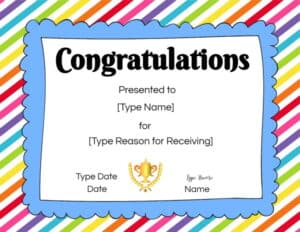
Certificate Template Powerpoint

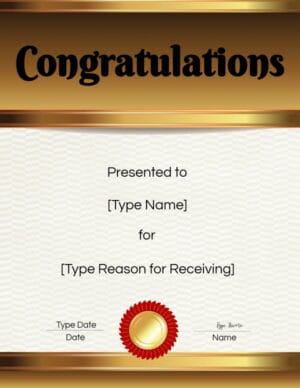
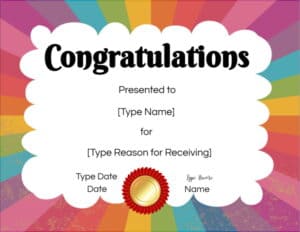
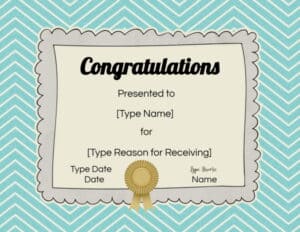
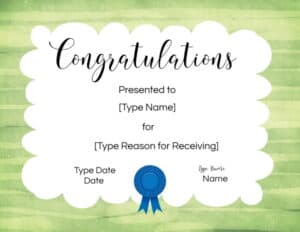
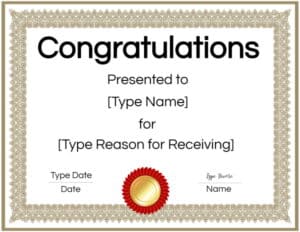
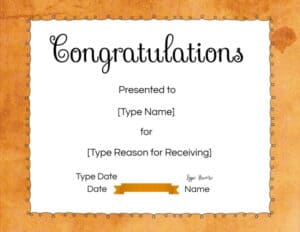
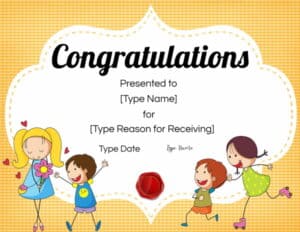
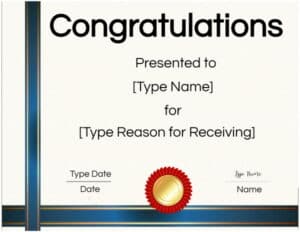
We offer a free online certificate maker that allows you to select any border, edit text, and add images for free. However, some people still prefer a certificate template in Powerpoint format. For those people, we offer a selection of free certificate templates for Powerpoint.

Select a Certificate Template Powerpoint

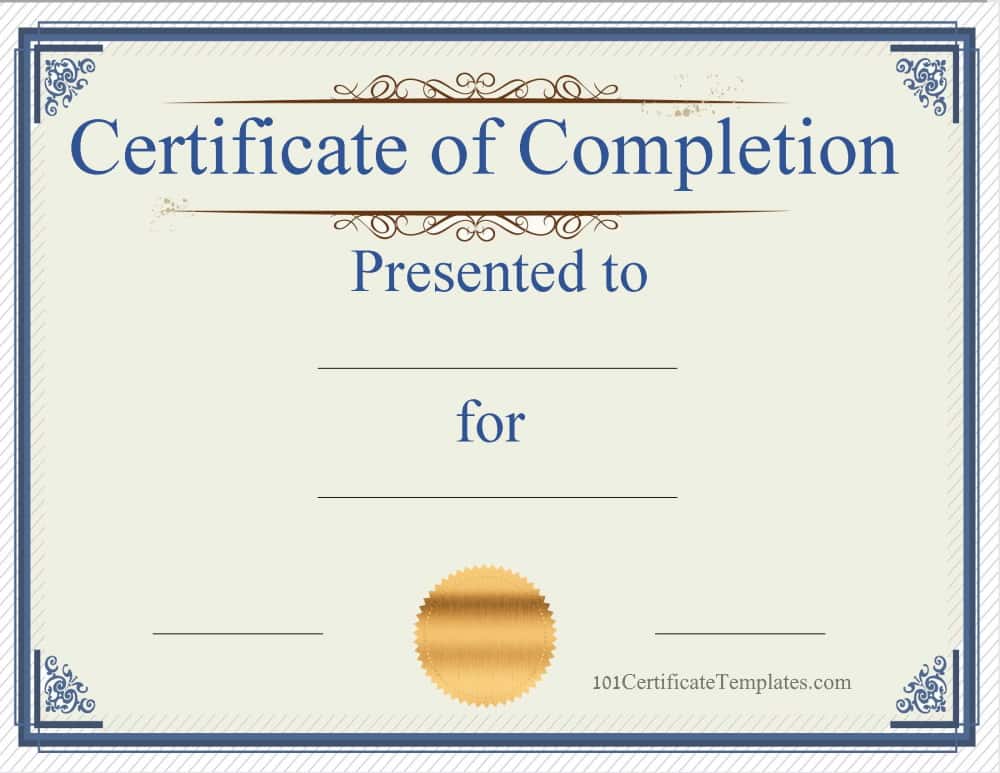
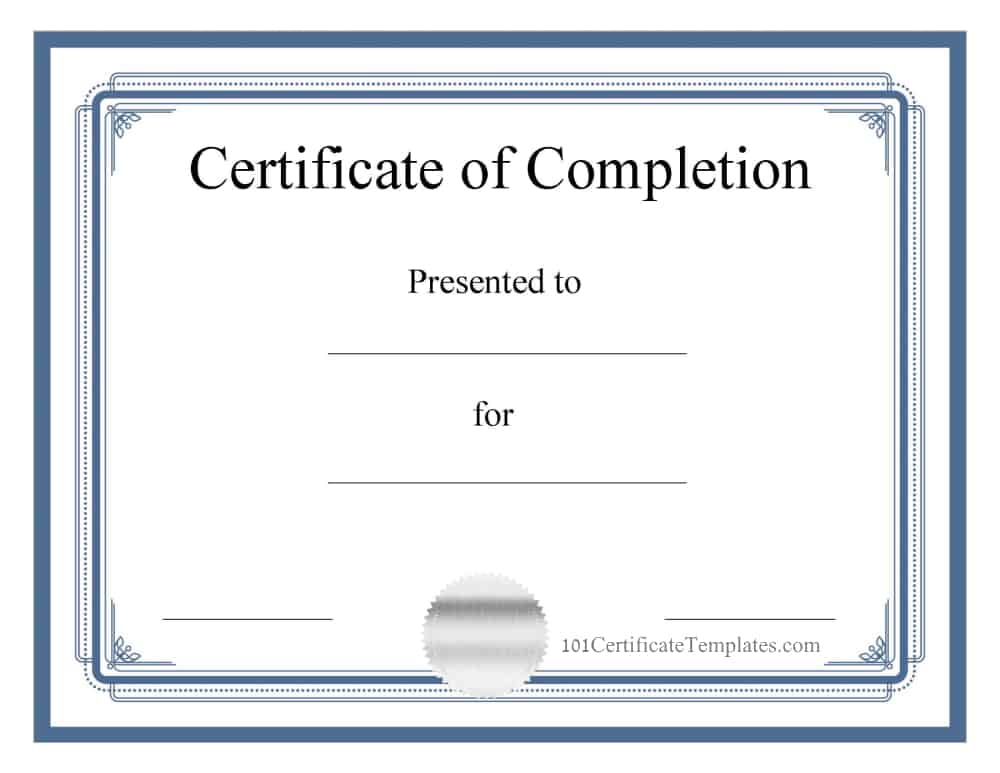
Each Microsoft Powerpoint certificate template is also available in PDF format for those who don’t have Powerpoint. You can also use our free online certificate maker to edit certificates and download them for free.

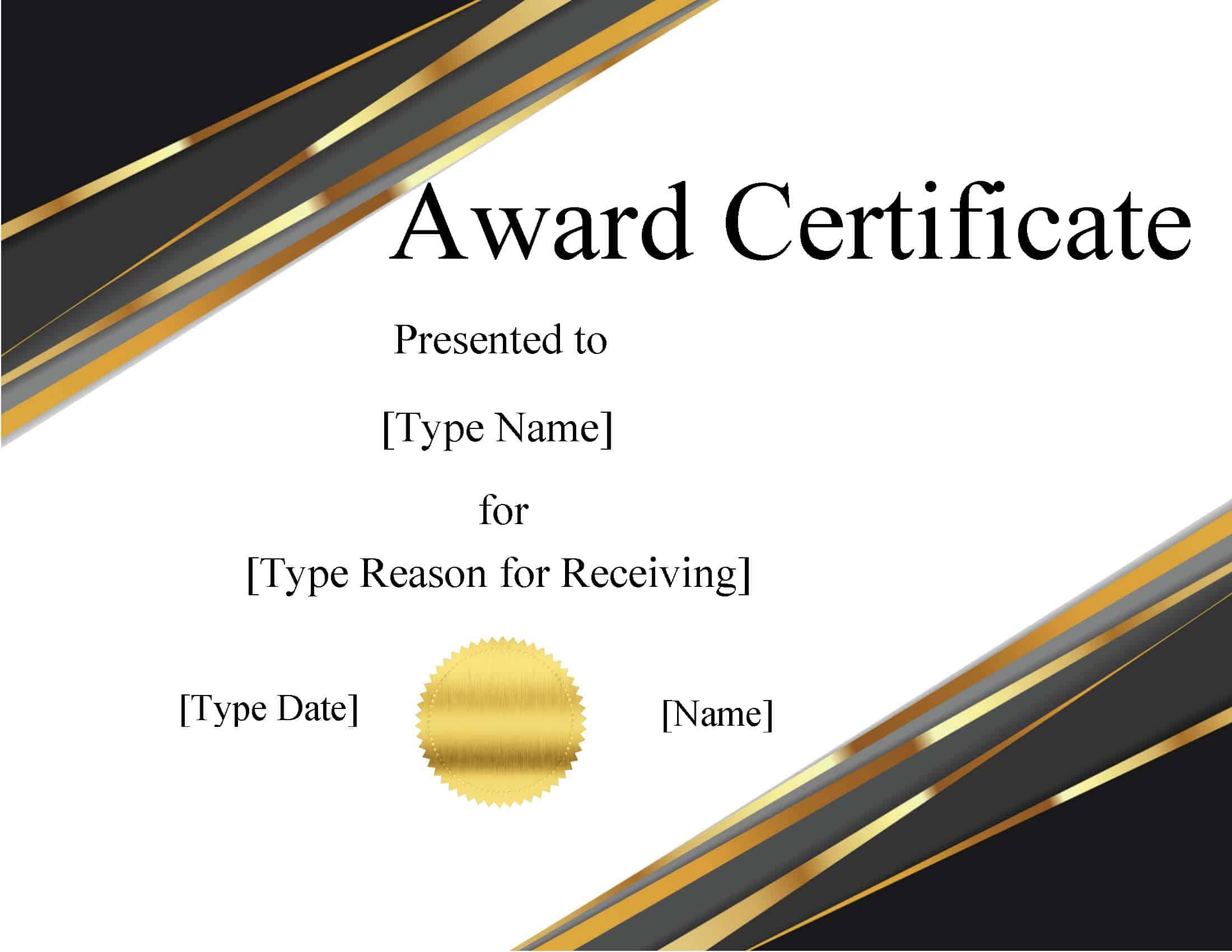
Generic Awards

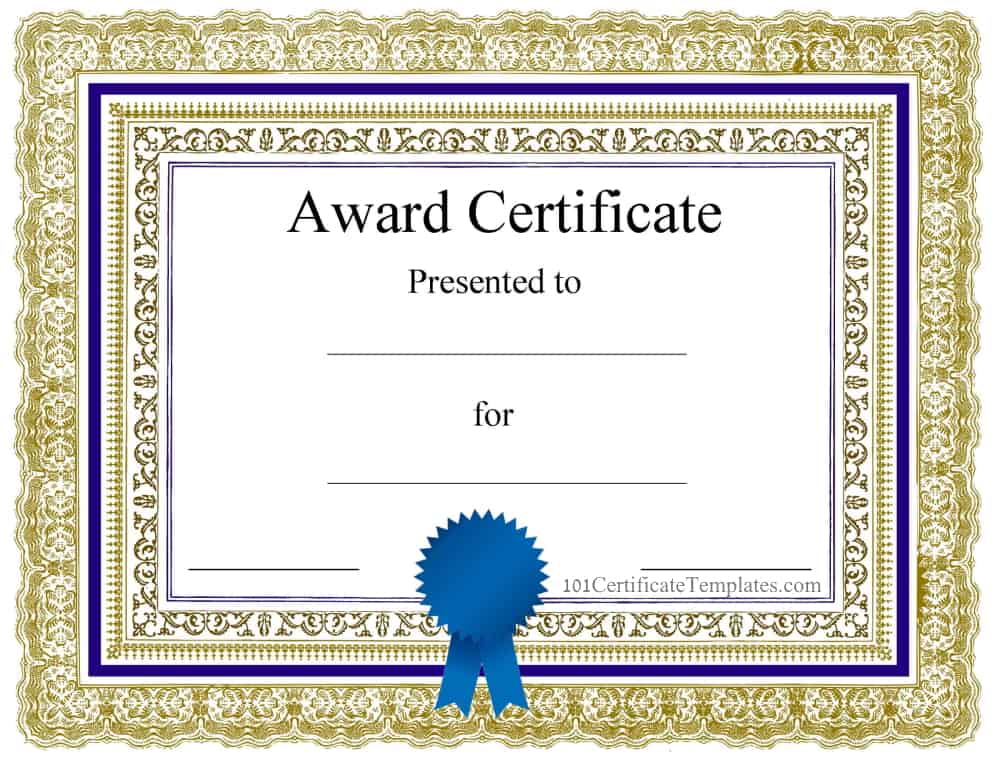
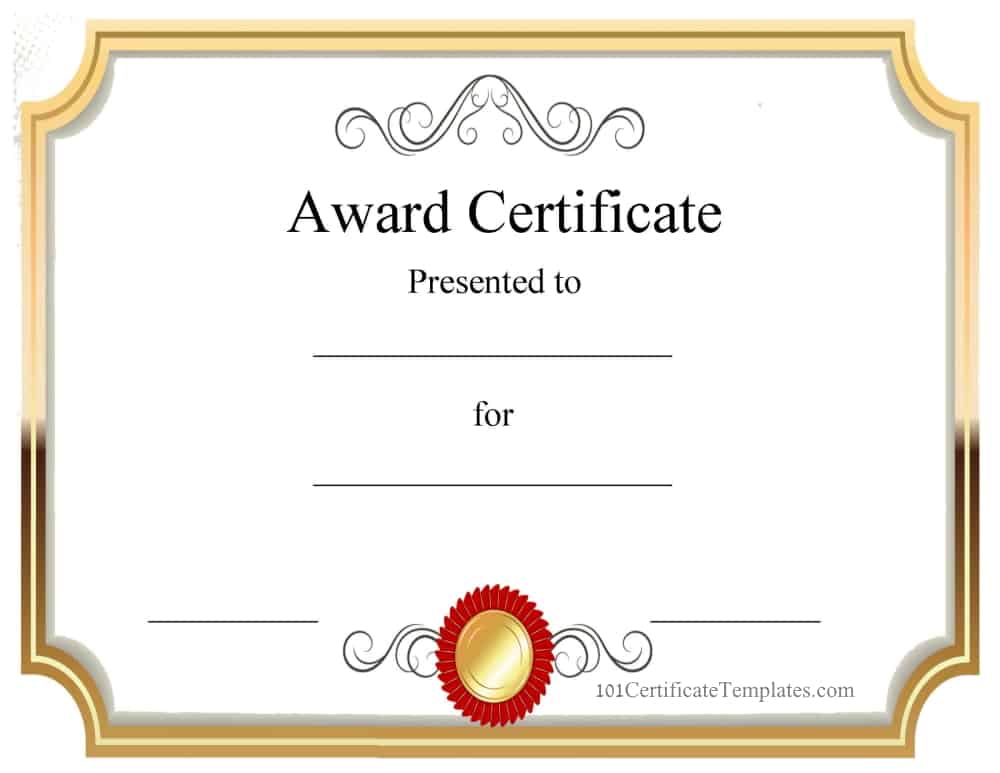
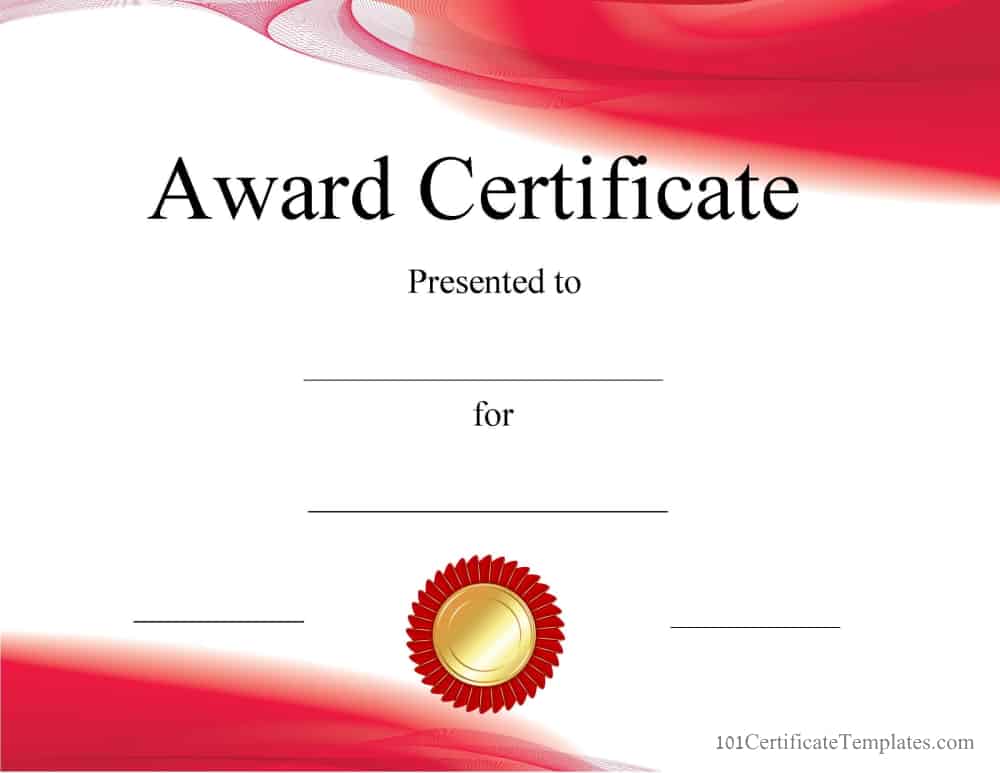
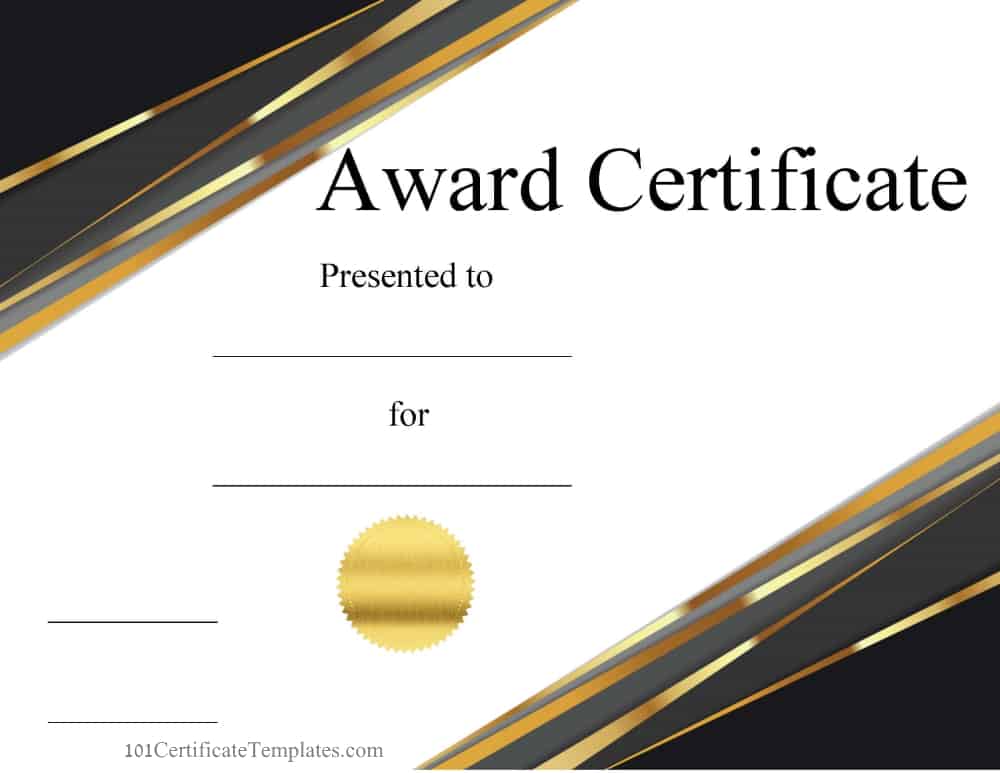
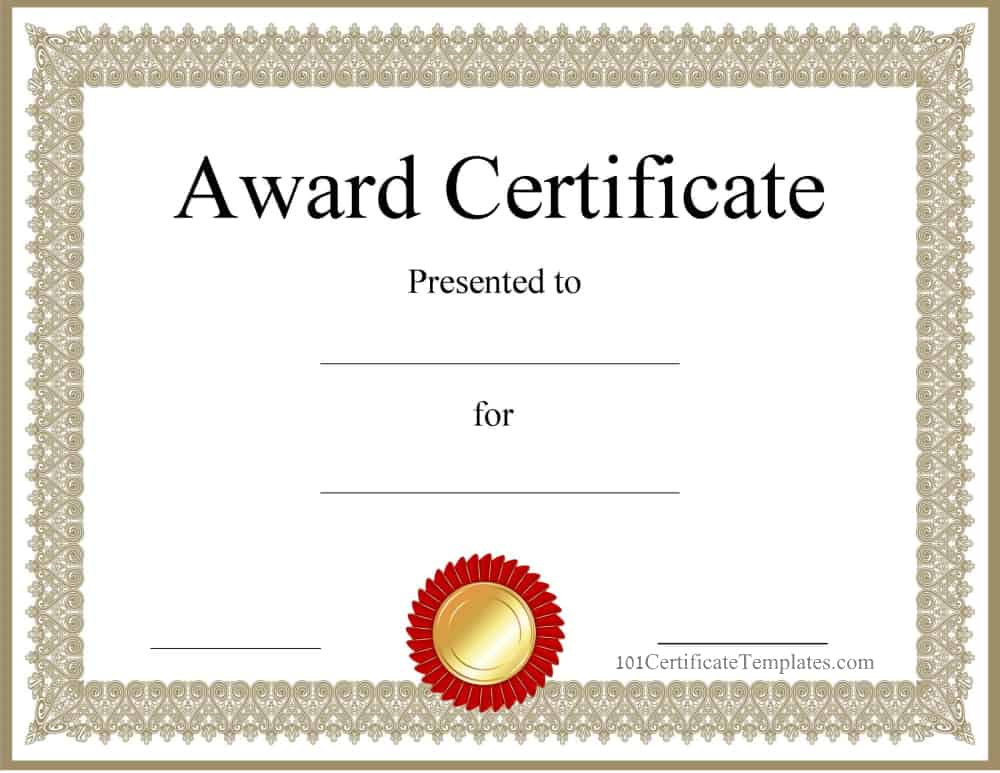
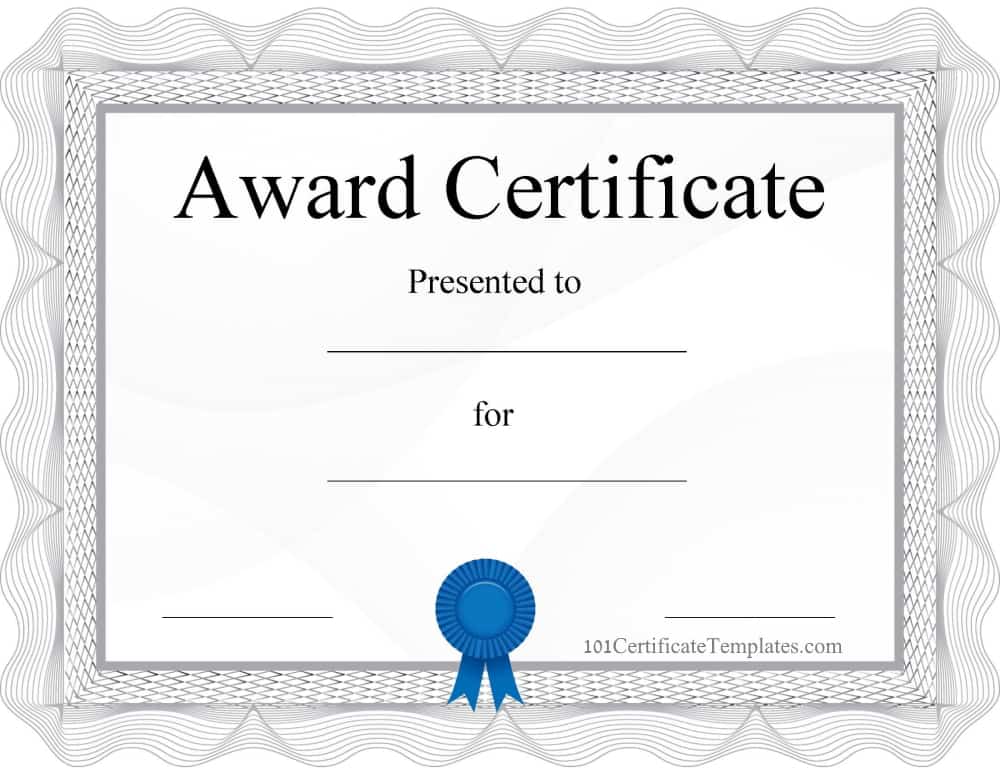
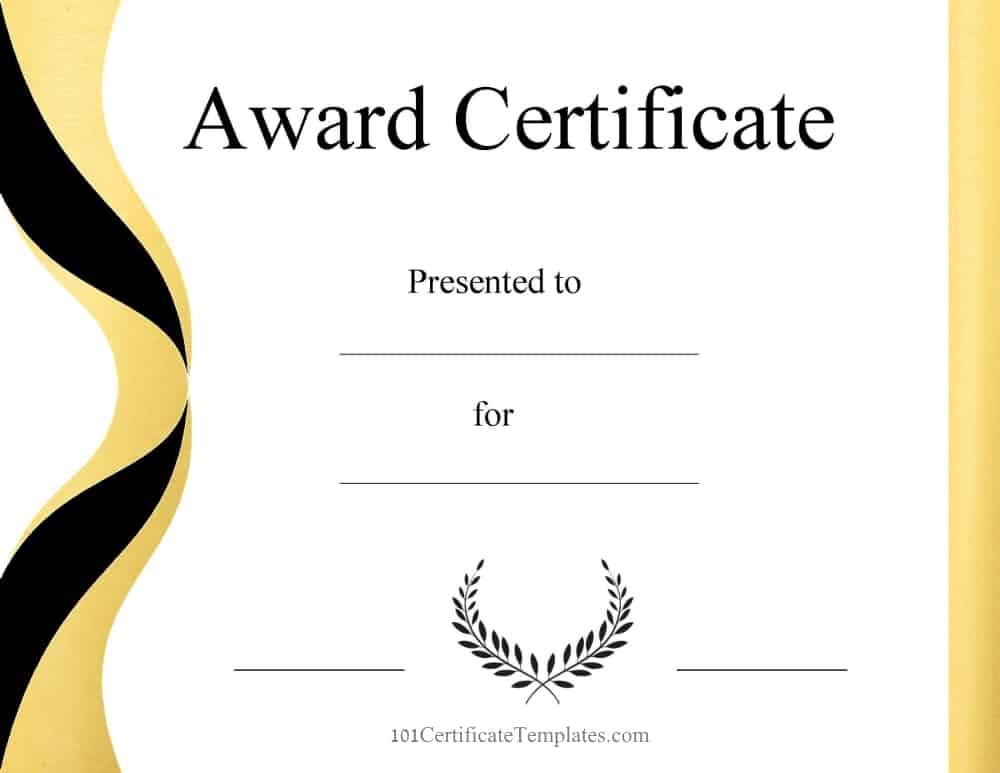
These are generic award certificate templates that you can use for any purpose.
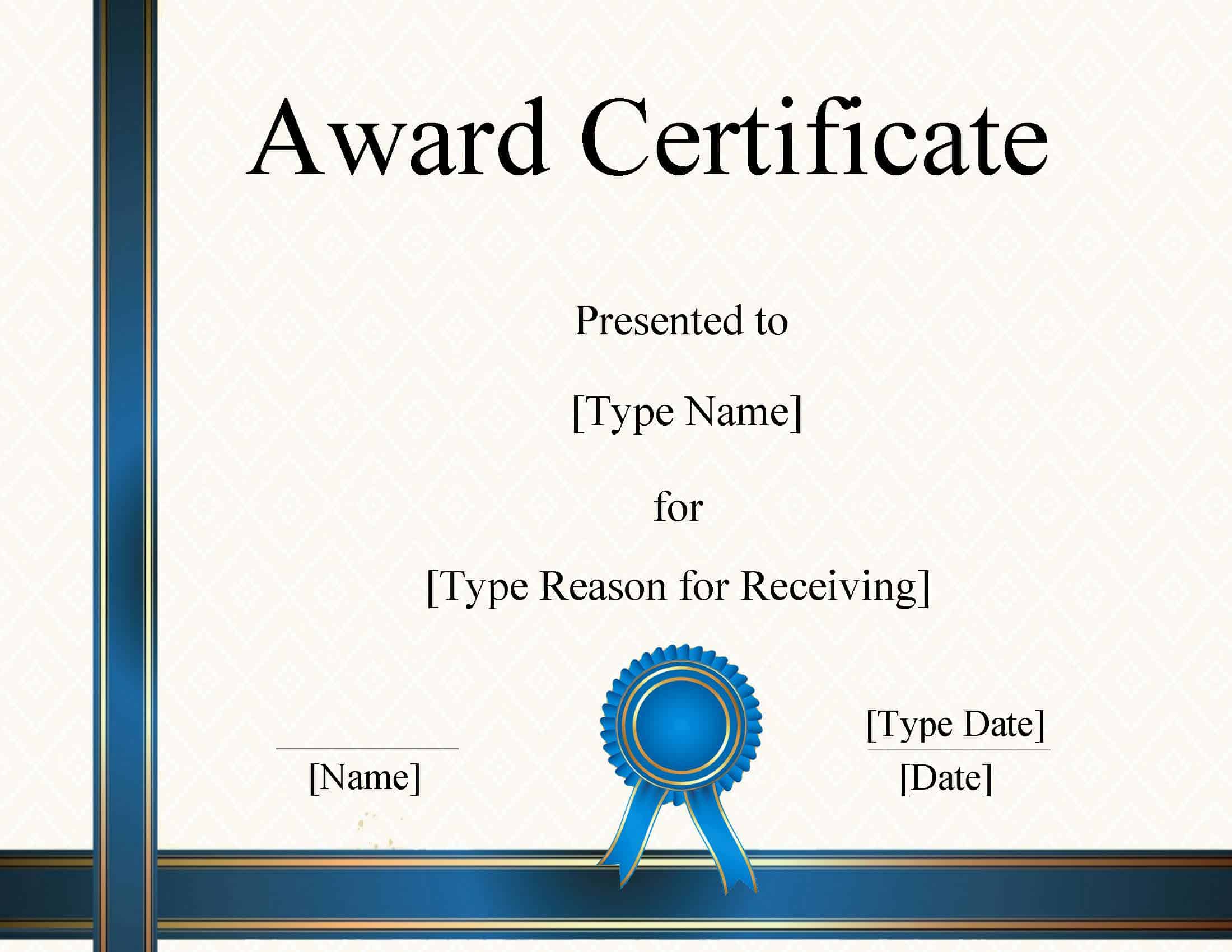
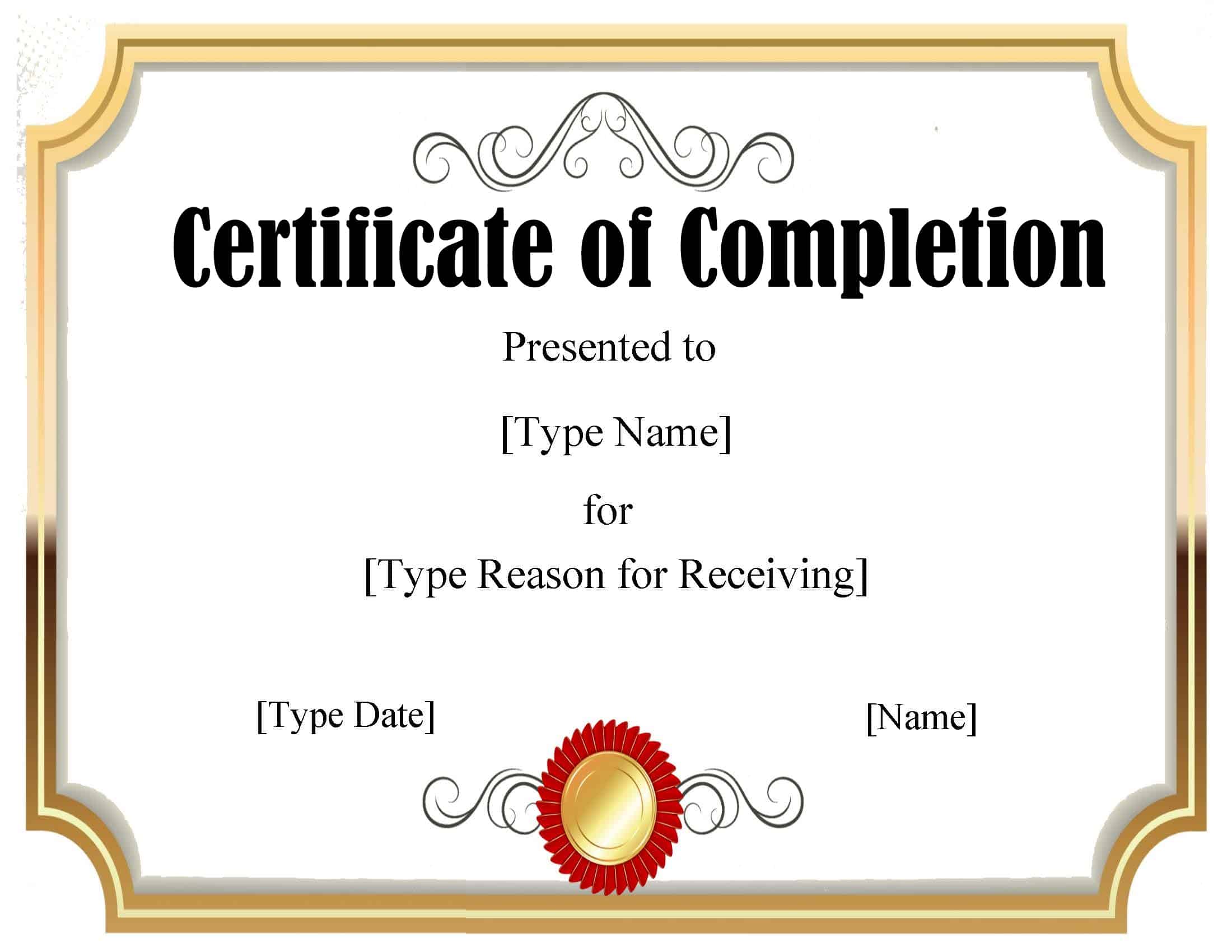
Certificate of Completion
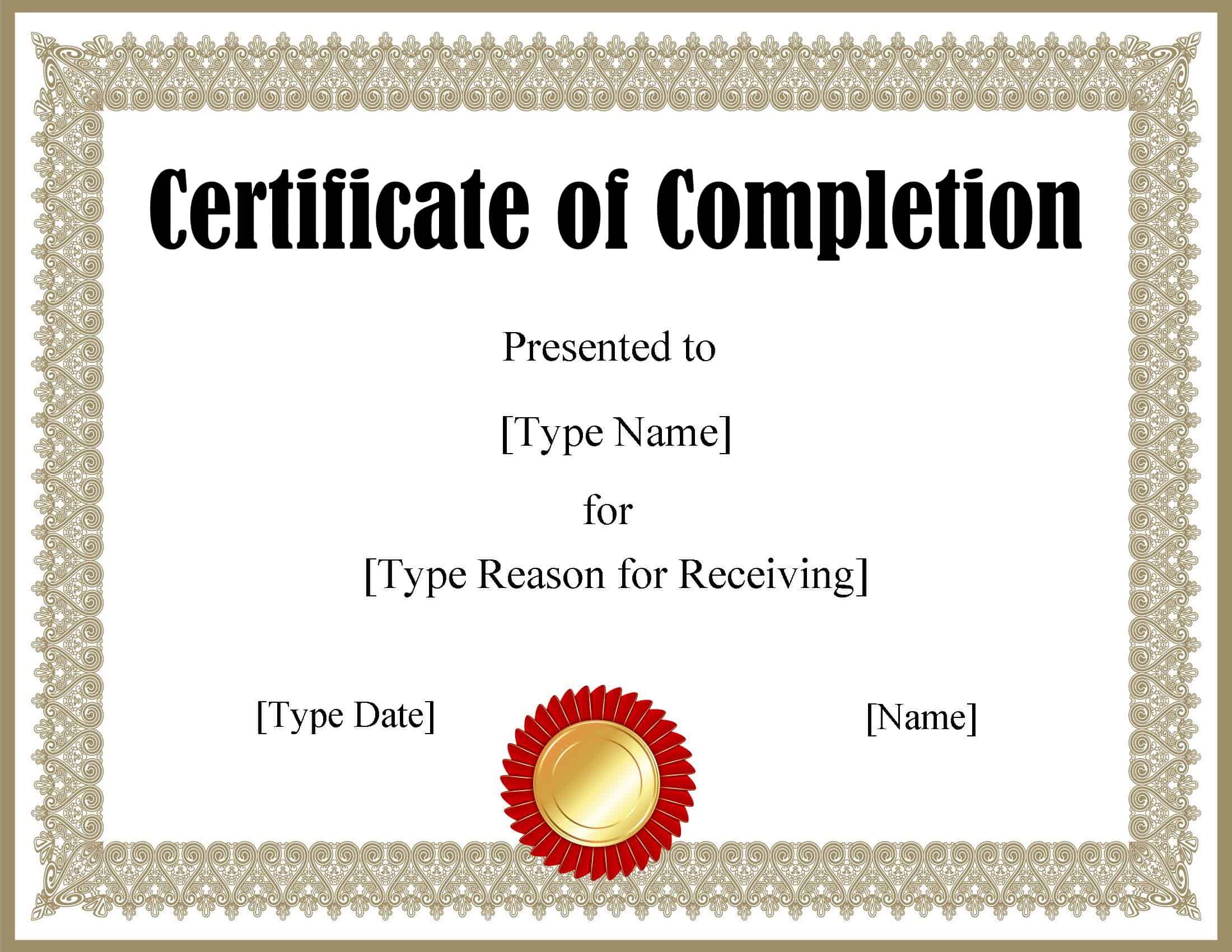
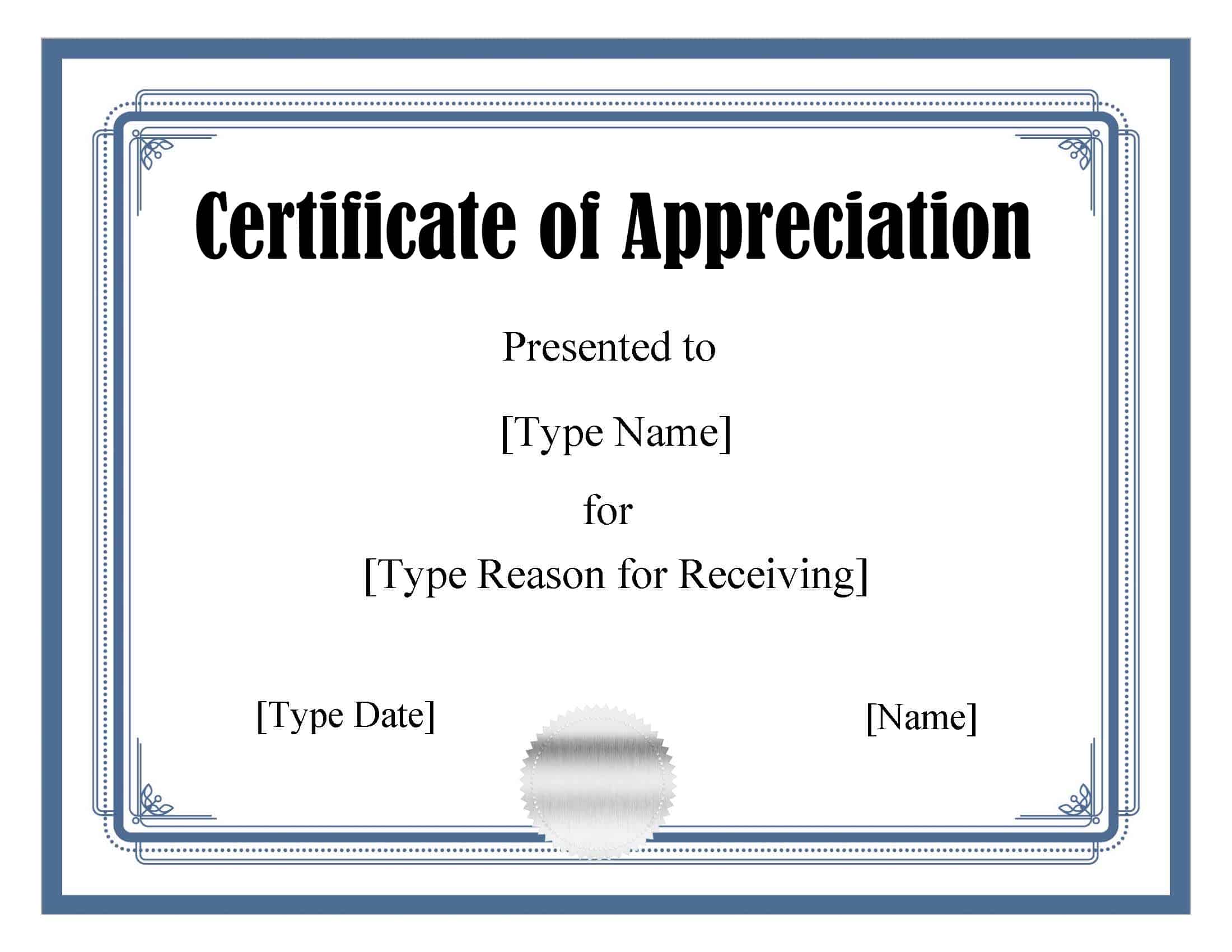
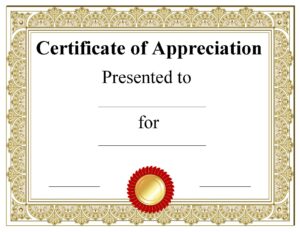
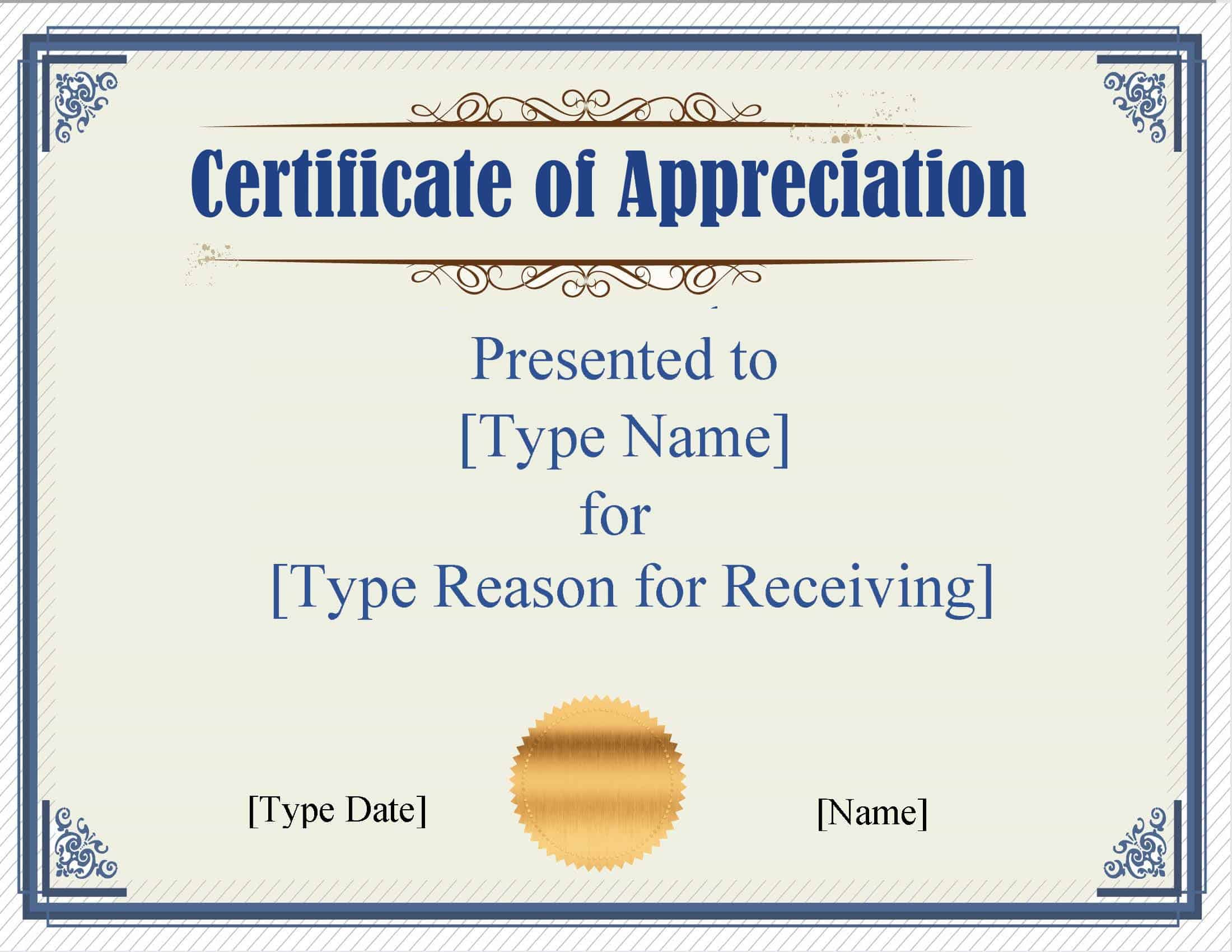
Certificate of Appreciation
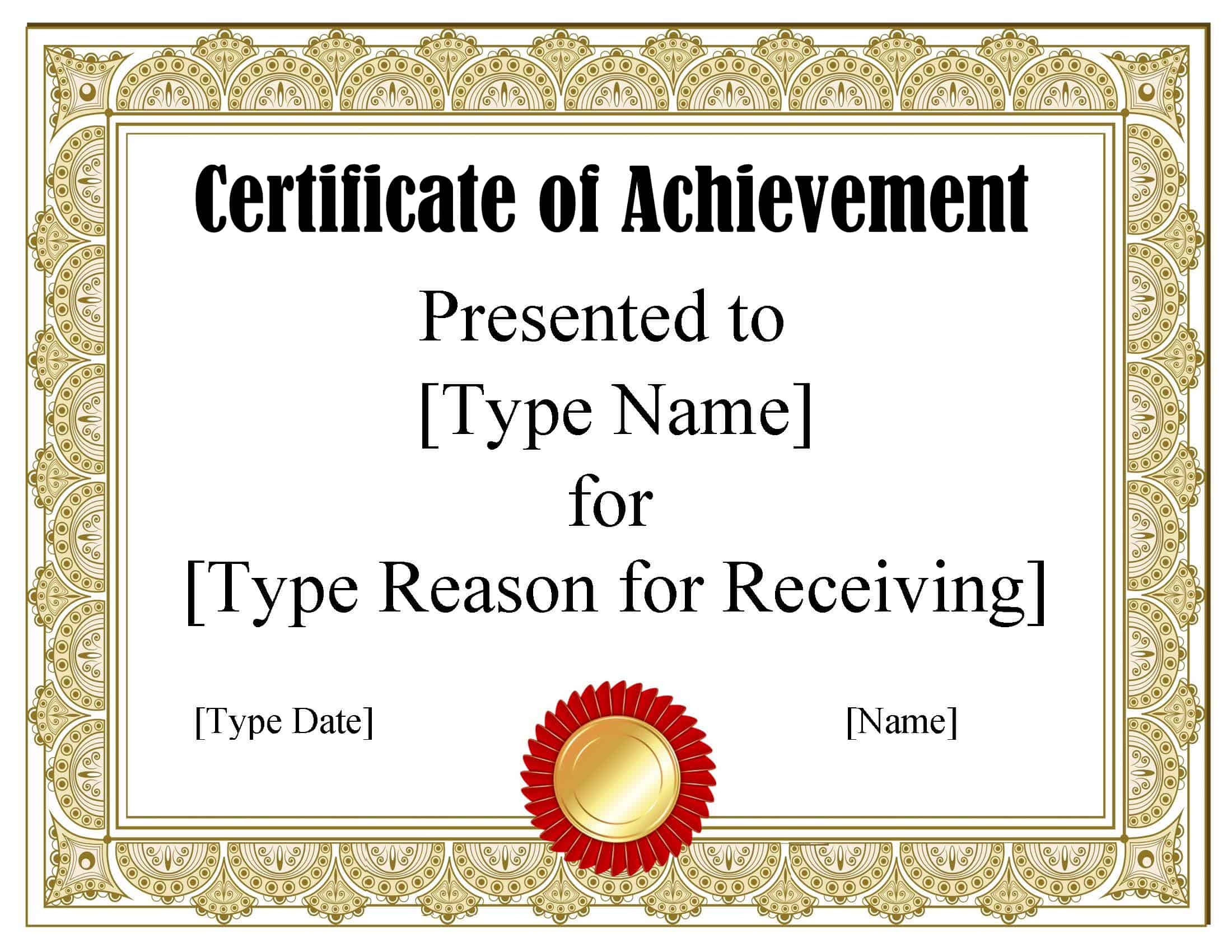
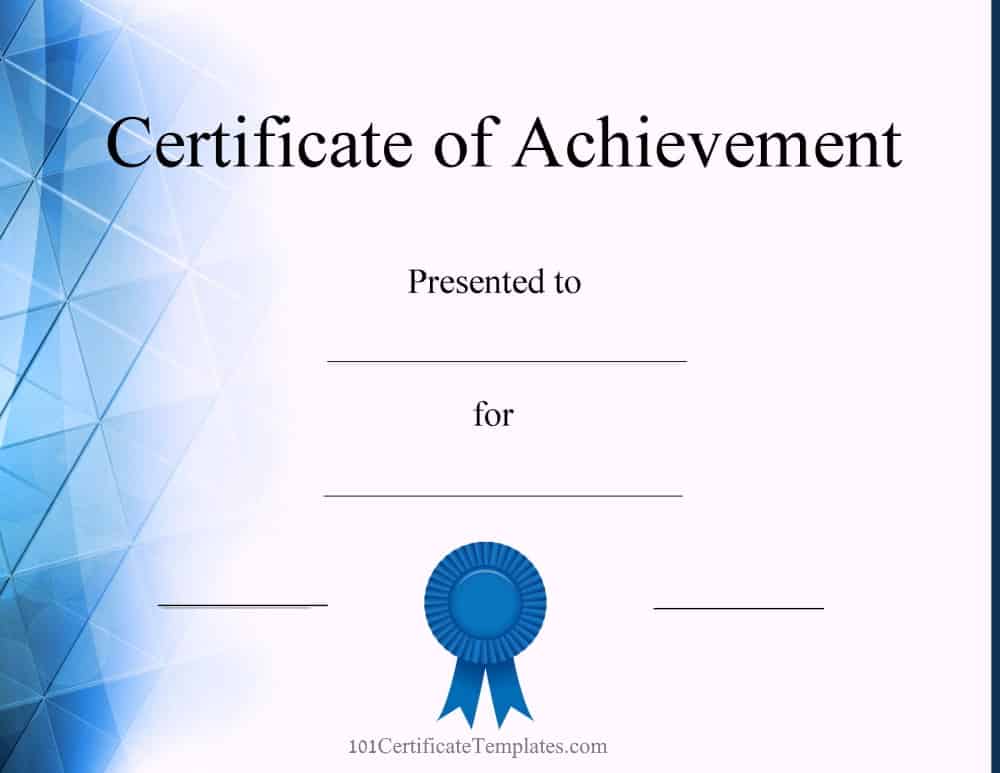
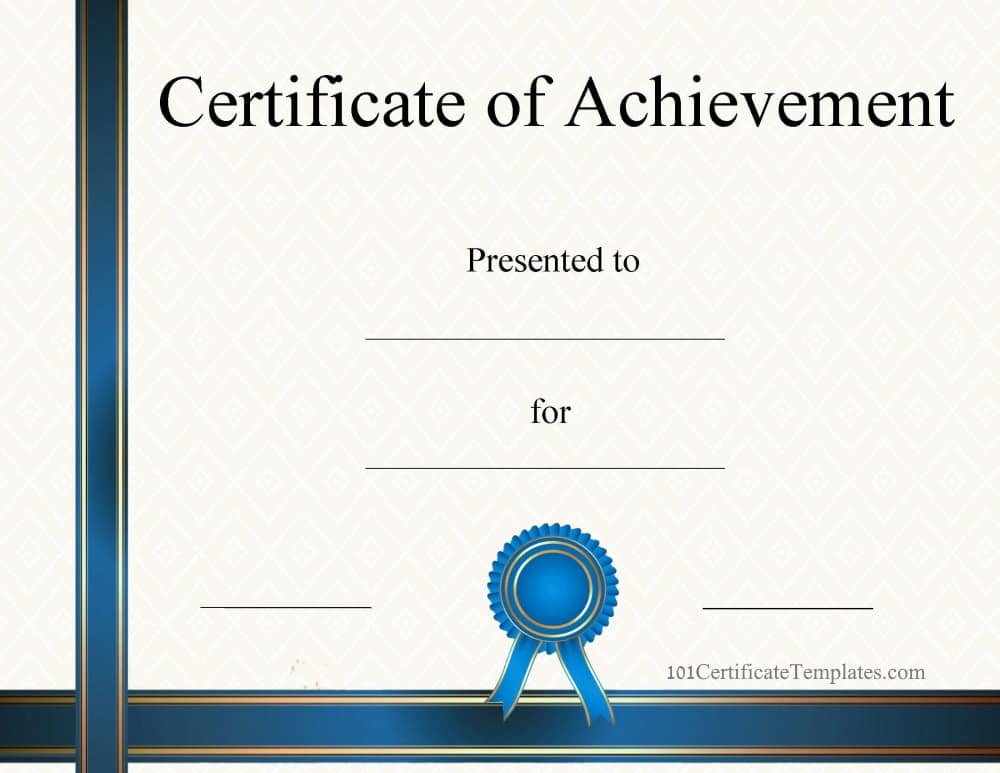
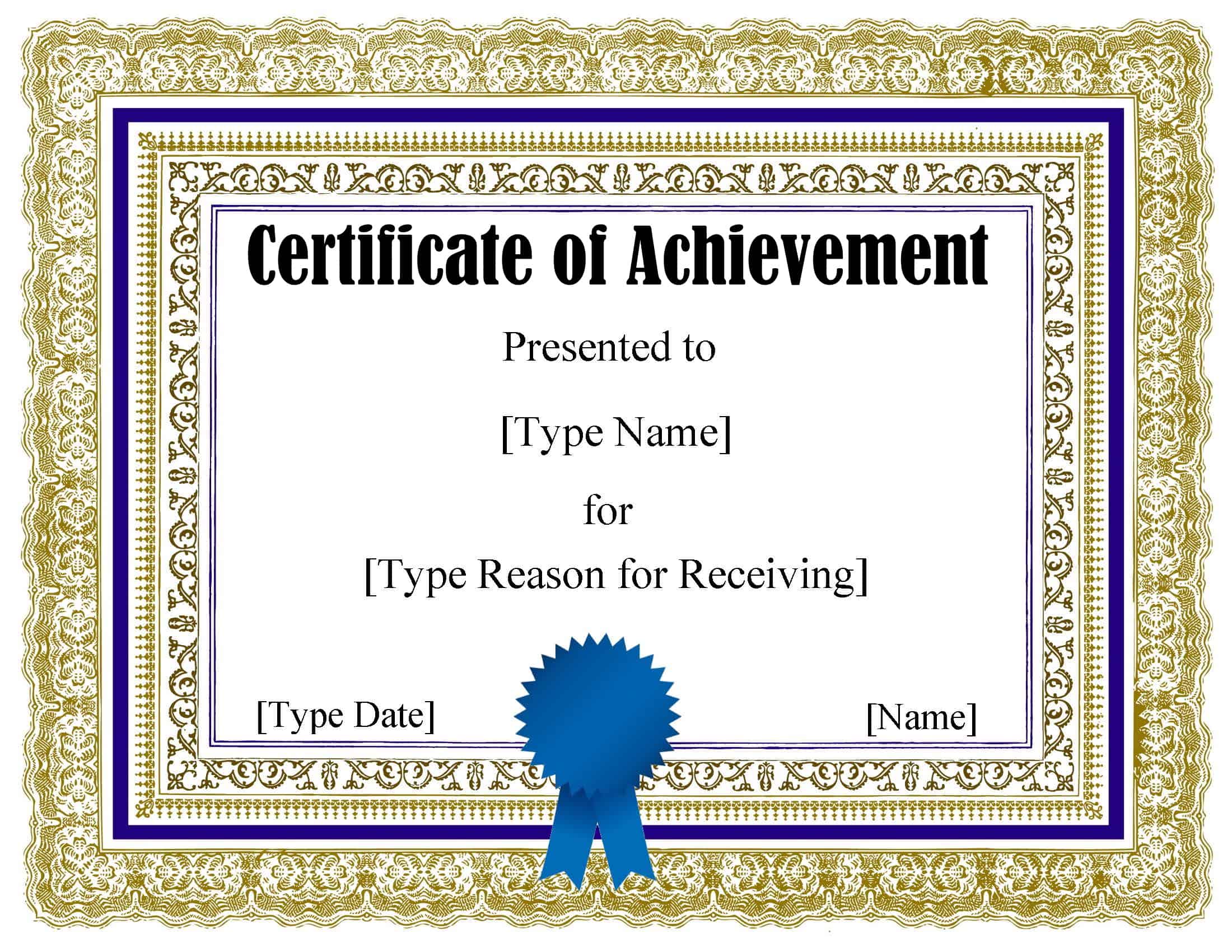
Certificate of Achievement
How to make a certificate in Powerpoint?

Look through the selection above and choose a template that you like. You are not limited to one template and you can download free certificate templates for Powerpoint as often as you want without any registration or charge.

Once you have selected a design click on the Powerpoint option to download the certificate template in Powerpoint format.

There is no need to make a certificate in Powerpoint from scratch. Use any of our templates and make any changes that you want to it.

How to edit with Google Slides

Download the Powerpoint version.

Go to Google Slides and open the file you downloaded.

How to edit a certificate template with Powerpoint?

Open the certificate template you downloaded from this site.

Click on the text to edit it. You can change all text on the page and therefore use the template for any purpose. For example, to create a Certificate of Completion template in Powerpoint format, click on the title and change it to “Certificate of Completion”. Edit the text accordingly. Use can use the template to create a diploma or any other award template in Powerpoint format.

To make blank certificate templates, simply delete the text or see our blank certificate templates.

If there is an MS Powerpoint award certificate template that you would like us to add to the selection then please leave a comment below.

How to save in PDF format

Whereas it is very convenient to edit the template with Microsoft Powerpoint, you might want to send it by email in another format. PDF is a great option as it enables people to view the document without them being able to edit it. All they need is a PDF viewer which they probably already have. If they don’t, they can download it for free and it will enable them to view other PDF documents. Most PCs have a PDF viewer already installed.

When you have finished editing the certificate, go to file-< save as. Type the file’s name and then select PDF as the file type. Click on enter and your file should now be in PDF format as well as Powerpoint.

How to add an image

You can add an image to your award template. To do so, go to “insert” and then select “image”. Find the location of the image and then click on OK. Now, right-click on your mouse and select “Image behind text”. You can now drag your image to wherever you want it to appear. You can use this method to upload your company logo. You can also add an image of the recipient. If the certificate is for each person in a group (such as a certificate of completion for a course) then you can add a group photo of all the people in the group. This way the certificate will be not only for the achievement but it will also serve as a reminder of the special memories and the people who participated.

Should you use the Powerpoint format or the PDF format?

Each certificate template is available in three different formats: Microsoft Word, Powerpoint, or an editable PDF file. Some people might be unsure about which format is better for them.

It really depends on how much you want to edit the award template.

The PDF format is easier to use since you just type your text. However, you can make no changes at all to the other text. You cannot add text and you cannot edit the titles. You can fill in the certificate and add in the details but no more. You also can’t move elements around. You cannot add a logo or an image.

With the Word format, you can edit all the text and not only the text that needs to be filled out. You can move the text anywhere and you can add additional text. You can also add a logo or an image. The Powerpoint format is even easier to edit. You can drag elements around and move them easily.
Congratulations Certificate

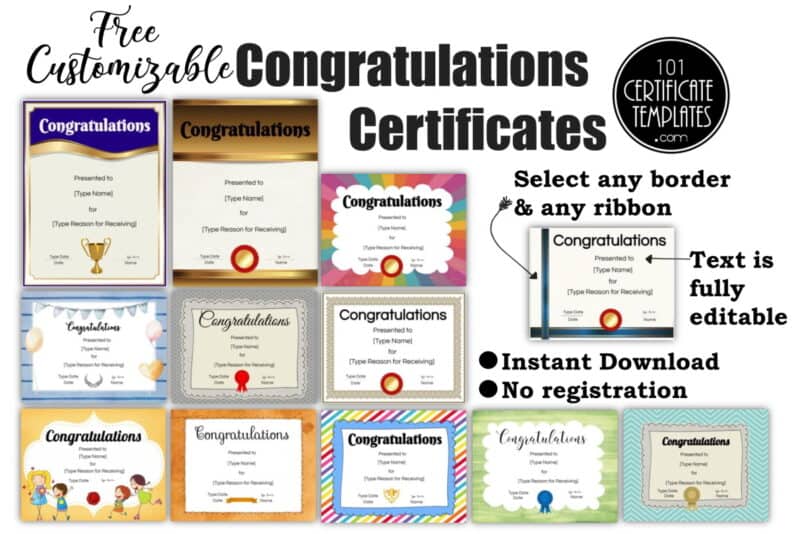
We offer a selection of free printable congratulations certificate templates that you can customize for any achievement. There are many different designs and layouts and you can edit all the text. Click on the button below to open the free online certificate maker.

congratulations certificates that you can customize on thsi site.

CUSTOMIZE & PRINT

Congratulations Certificate
Certificate template

CUSTOMIZE & PRINT

Congratulations You Did It Certificate
Congratulations Certificates to Print

CUSTOMIZE & PRINT

Congratulations Certificate Printable
Congratulations Award Certificate Template

CUSTOMIZE & PRINT

Congrats Certificate
Congrats Award

CUSTOMIZE & PRINT

Award for kids
Congratulations Award Certificate

CUSTOMIZE & PRINT

Congratulations Winner Certificate Template
Award for kids

CUSTOMIZE & PRINT

Award Certificate

CUSTOMIZE & PRINT

One of the nicest things that you can do when someone has an achievement or a special day is to congratulate them on their achievement. And, while a phone call or an email is always appreciated, it’s nice to have a printable award to commemorate your accomplishment.

If you’ve never made this type of printable before, it can be a bit overwhelming trying to figure out what to write and where to put things. Using a congratulations certificate template makes the process a bit easier.

There are so many different kinds of congratulations certificates. You can literally create a printable congratulations award for almost anyone with our free certificate generator.  

Suggested Uses for These Awards

There are so many different types of award certificates that you can create. Here are some examples:

Kids congratulations awards

As parents, we are always proud of our children and want to let them know it. An award certificate is a great way to do that.

Birthday printables – It’s always fun to wish someone a happy birthday. This year, instead of using a card, why not make a printable they can frame and remember for their special day? You can even list a few of their accomplishments when you create it.

Graduation printables – If your child or student has just graduated from kindergarten or will be heading to junior high next year, it’s nice to give them something to remember their special day. Be sure to include things like clubs they belong to and any awards they’ve received.

Sports awards If your child was on a sports team, you can make a certificate congratulating them on their performance or their participation. Or, recognize them for completing a special tournament or event.

Congratulations, you did it! certificate – Kids grow up fast. They learn new things every day and it is important that we take the time to praise them for their achievements. We need to make sure that they know how proud we are of them and let them know that they have done a good job. Open the editable congratulations certificate and write “You did it!” at the top of the template.

Certificates for adults

Congratulations on your new job – This is one of the most popular types of awards for adults. Celebrate their special achievement whether it’s a new job or a promotion with a printable award for their wall or their scrapbook. You can even include a gift card for lunch out along with the printable if you like.

Quitting smoking – Did a friend just quit smoking or achieve another health goal? Let them know how proud of them you are by making them an award. This can be used for weight loss or any other special health goal they’re working toward.

Academic Achievement: Recognizing accomplishments in education, such as graduating from a school, achieving high grades, or winning a scholarship.

Professional Milestones: Celebrating career achievements like promotions, retirements, completing important projects, or reaching service milestones within a company.

Sports and Competitions: Awarding participants or winners in sports, games, or various competitions for their performance and dedication.

Personal Achievements: Acknowledging personal milestones such as completing a marathon, achieving personal goals in hobbies or skills, or overcoming significant challenges.

Community Service: Recognizing individuals who have contributed significantly to community service or charitable efforts.

Special Contributions: Honoring someone who has made a significant impact in a particular area, such as innovation, leadership, or volunteer work.

Events and Celebrations: Often used as a part of events like birthdays, anniversaries, or special days to make someone feel appreciated and special.

Birth of a Child: Celebrating the arrival of a new baby, acknowledging the parents or the family for this joyful addition. This can be a special way to mark the beginning of a new life and offer best wishes for the family’s future.

Certificate Template Word

We offer a free online certificate maker that allows you to select any border, edit the text, and add images for free. However, some people still prefer a certificate template in Word format. For those people, we offer a selection of free certificate templates for Word. If you don’t have Microsoft Word, you can use Google Docs. Each certificate template is also available in Google Docs.

Generic Awards

Certificate Template Word

Download: Google Docs | Word

Edit Online: Editable PDF

certificate template

Download: Google Docs | Word

Edit Online: Editable PDF

Black and yellow

Download: Google Docs | Word

Edit Online: Editable PDF

Silver frame and blue ribbon

Download: Google Docs | Word

Edit Online: Editable PDF

Red frame

Download: Google Docs | Word

Edit Online: Editable PDF

Black and gold frame

Download: Google Docs | Word

Edit Online: Editable PDF

Certificate of Completion

Certificate of Completion

Download: Google Docs | Word

Edit Online: Editable PDF

Completion Certificate

Download: Google Docs | Word

Edit Online: Editable PDF

Certificate of Appreciation

Certificate of Appreciation

Download: Google Docs | Word

Edit Online: Editable PDF

Appreciation Certificate

Download: Google Docs | Word

Edit Online: Editable PDF

Certificate of Achievement

Certificate of Achievement

Download: Google Docs | Word

Edit Online: Editable PDF

Achievement Certificate

Download: Google Docs | Word

Edit Online: Editable PDF

Select a traditional or modern certificate template Word free download above. Each Microsoft Word certificate template is also available in PDF format and Google Docs for those who don’t have Microsoft Word. You can also use our free online certificate maker to edit certificates and download them for free.

How to make a certificate in Word?

Look through the selection above and choose a template that you like. You are not limited to one template and you can download free certificate templates for Word as often as you want without any registration or charge.

Once you have selected a design, click on the Word option to download the certificate template in Word format.

There is no need to make a certificate in Word from scratch. Use any of our templates and make any changes that you want to it.

How to edit a certificate template in Word?

Open the certificate template you downloaded from this site.

Click on the text to edit it. You can change all text on the page and therefore use the template for any purpose. For example, to create a Certificate of Completion template in Word format, click on the title and change it to “Certificate of Completion”. Edit the text accordingly. Use can use the template to create a diploma or any other award template in Word format.

To make blank certificate templates, simply delete the text or see our blank certificate templates.

If there is an MS Word award certificate template that you would like us to add to the selection then please leave a comment below.

How to save in PDF format

Whereas it is very convenient to edit the template with Microsoft Word, you might want to send it by email in another format. PDF is a great option as it enables people to view the document without them being able to edit it. All they need is a PDF viewer which they probably already have. If they don’t, they can download it for free and it will enable them to view other PDF documents. Most PCs have a PDF viewer already installed.

When you have finished editing the certificate, go to file-< save as. Type the file’s name and then select PDF as the file type. Click on enter and your file should now be in PDF format as well as Word.

How to add an image

You can add an image to your award template. To do so, go to “insert” and then select “image”. Find the location of the image and then click on OK. Now, right-click on your mouse and select “Image behind text”. You can now drag your image to wherever you want it to appear. You can use this method to upload your company logo. You can also add an image of the recipient. If the certificate is for each person in a group (such as a certificate of completion for a course) then you can add a group photo of all the people in the group. This way the certificate will be not only for the achievement but it will also serve as a reminder of the special memories and the people who participated.

Should you use the Word format or the PDF format?

Each certificate template is available in two different formats: Microsoft Word or an editable PDF file. Some people might be unsure about which format is better for them.

It really depends on how much you want to edit the award template.

The PDF format is easier to use since you just type your text. However, you can make no changes at all to the other text. You cannot add text, edit the titles or move elements around. You can fill in the certificate and add the details but you cannot add a logo or an image.

With the Word format, you can edit all the text and not only the text that needs to be filled out. You can move the text anywhere and you can add additional text. You can also add a logo or an image.

Blank Certificate Templates

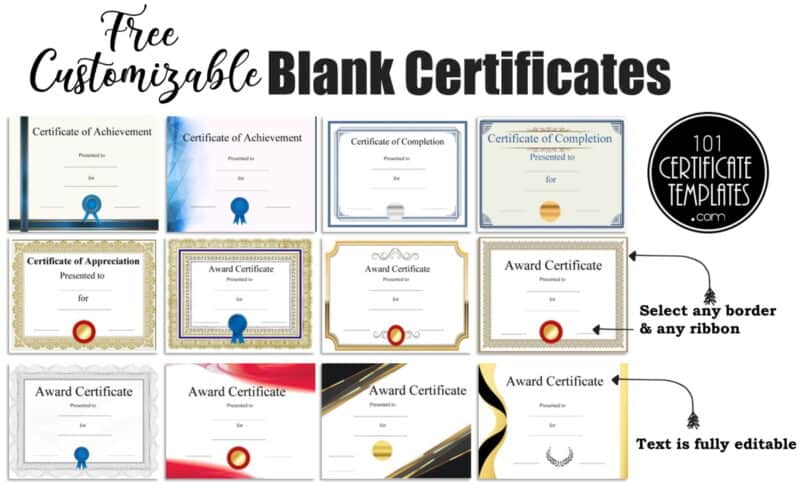
Free blank certificate templates with different certificate borders and designs. On this page, each blank certificate template is available in PDF format. You can only edit the text. However, with our free certificate maker, you can change the certificate border, and the ribbon, edit all text and add additional text. Use whichever format you prefer, they are both free!

blank certificates that you can customize on this site

You can edit the blank certificate template free of charge. Simply select the design that you like and download the PDF certificate. Click on the light blue text box and type your text. Repeat until you have added all text. Print!

If you prefer to use a template with text that you can edit then see our free certificate templates. Each template has sample certificate wording that you can edit.

A blank certificate template can be used as a starting point for creating custom certificates for various purposes, such as employee recognition, completion of training programs, or achievement awards. The template can be customized with the appropriate text, graphics, and layout to create a unique certificate that meets the specific needs of the organization or event.

A customizable certificate allows you to create a certificate with personalized details and design elements, such as:

  • Your own logo or branding: Incorporate your company’s logo, color scheme, and font to give the certificate a professional look that aligns with your brand.
  • Customizable fields: Add the recipient’s name, date, and any other specific details you want to include, such as course completion or achievement.
  • Design options: Choose from a range of design templates or create your own unique design to make the certificate stand out.
  • Formatting options: Adjust the layout, size, and orientation of the certificate to suit your specific needs.
  • Print or digital: Choose to print the certificate or save it as a digital file for online distribution.

Using a customizable certificate allows you to create a professional and personalized certificate that accurately reflects your brand and the recipient’s achievement. Using a blank certificate template can save time and effort by allowing you to create multiple certificates with the same design and format.

If you prefer to use a template with text that you can edit then see our free certificate templates.